![Gofax-new-logo-180x45-min.png]](https://support.gofax.com.au/hs-fs/hubfs/Gofax-new-logo-180x45-min.png?width=200&height=50&name=Gofax-new-logo-180x45-min.png)
As part of the Australian Communication and Media Authority (ACMA) SMS Sender ID Register, from July 1st 2026, all alphanumeric SMS Sender IDs must be registered to be used for any outbound SMS messages.
GoFax provides support for Australian businesses to register alphanumeric SMS Sender IDs with ACMA. Explore our full registration guide.
Sender ID registration is linked to the Australian Business Register (ABR), enabling ACMA to check that an organisation is legitimate and the person making the application is authorised by that organisation.
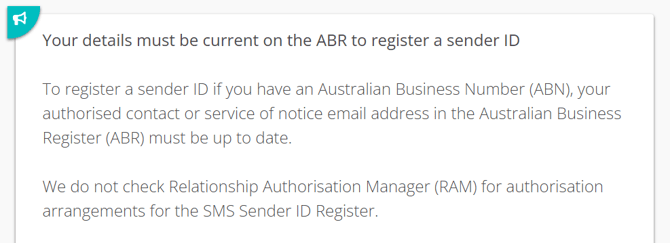
ACMA authorisation requires a correct ABR/ ABN holder contact
To access the SMS Sender ID Register via ACMA Assist, you need to use an email address listed as an ‘authorised contact’ or ‘service of notice’ for your Australian Business Number (ABN) on the ABR. Update your ABN details.
ACMA authorisation process
-
Once an application has been submitted via your GoFax account, GoFax will review and submit your application to register your SMS Sender ID with ACMA.
- ACMA will then send you an email from <no-reply@digital.acma.gov.au> with the subject line ‘SMS Sender ID Register: request to confirm your application’. The email includes a unique link you need to use to confirm your Sender ID registration. Below is an ACMA example.
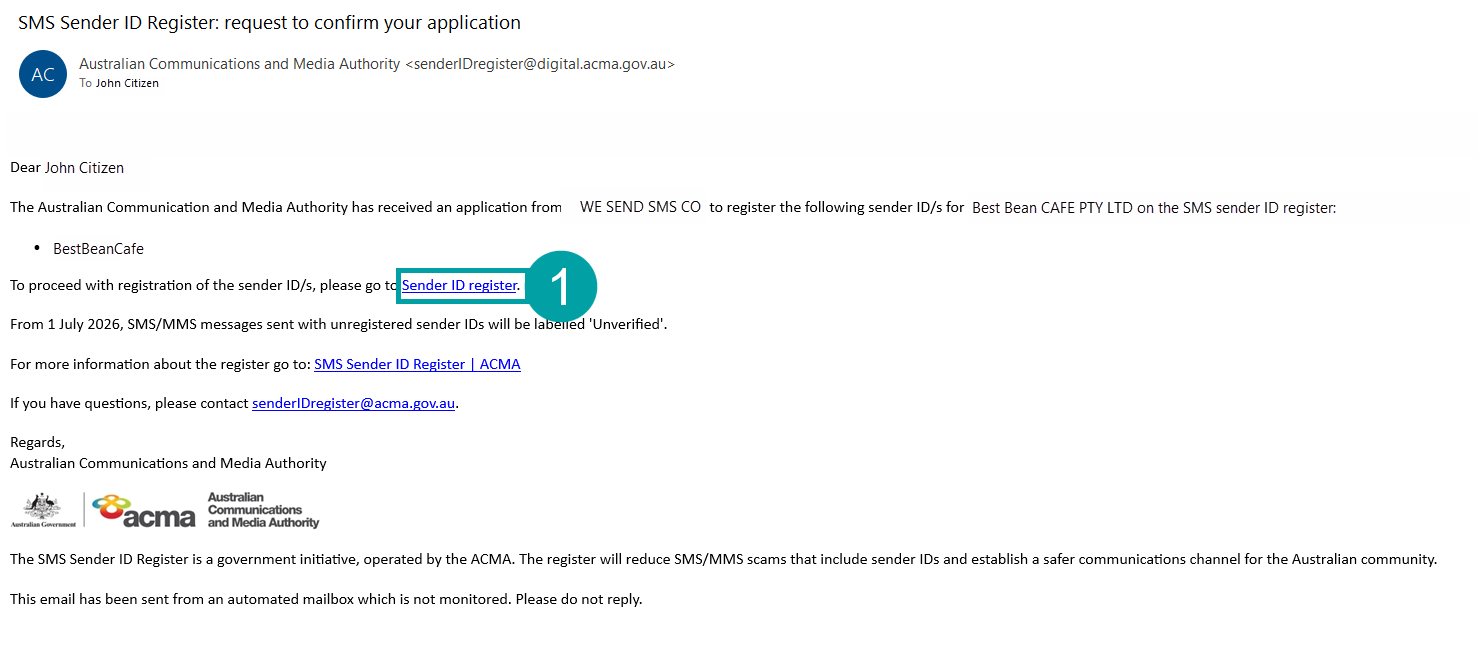 You must sign in using this unique link. If you sign in another way, ACMA Assist will not link your account to the Sender ID application.
 - You will need to verify your identity using myID.
- After you sign in using the unique link, you will be taken to a page where you can verify your ABN and confirm your Sender ID application.
View ACMA FAQs.
Log in to GoFax to register your Sender IDs.